What is countertop drawing software?
Countertop drawing software turns job measurements into a visual layout with shapes, cutouts, edge details, and dimensions. In iCounterSoft, the drawing is part of the same workflow used to prepare the quote.

Drawing + quoting workflow
Draw measured countertop shapes, add cutouts and edge details, then continue into pricing and quoting in the same application.
14-day free trial · Drawing tools included in Standard · Start without booking a sales meeting
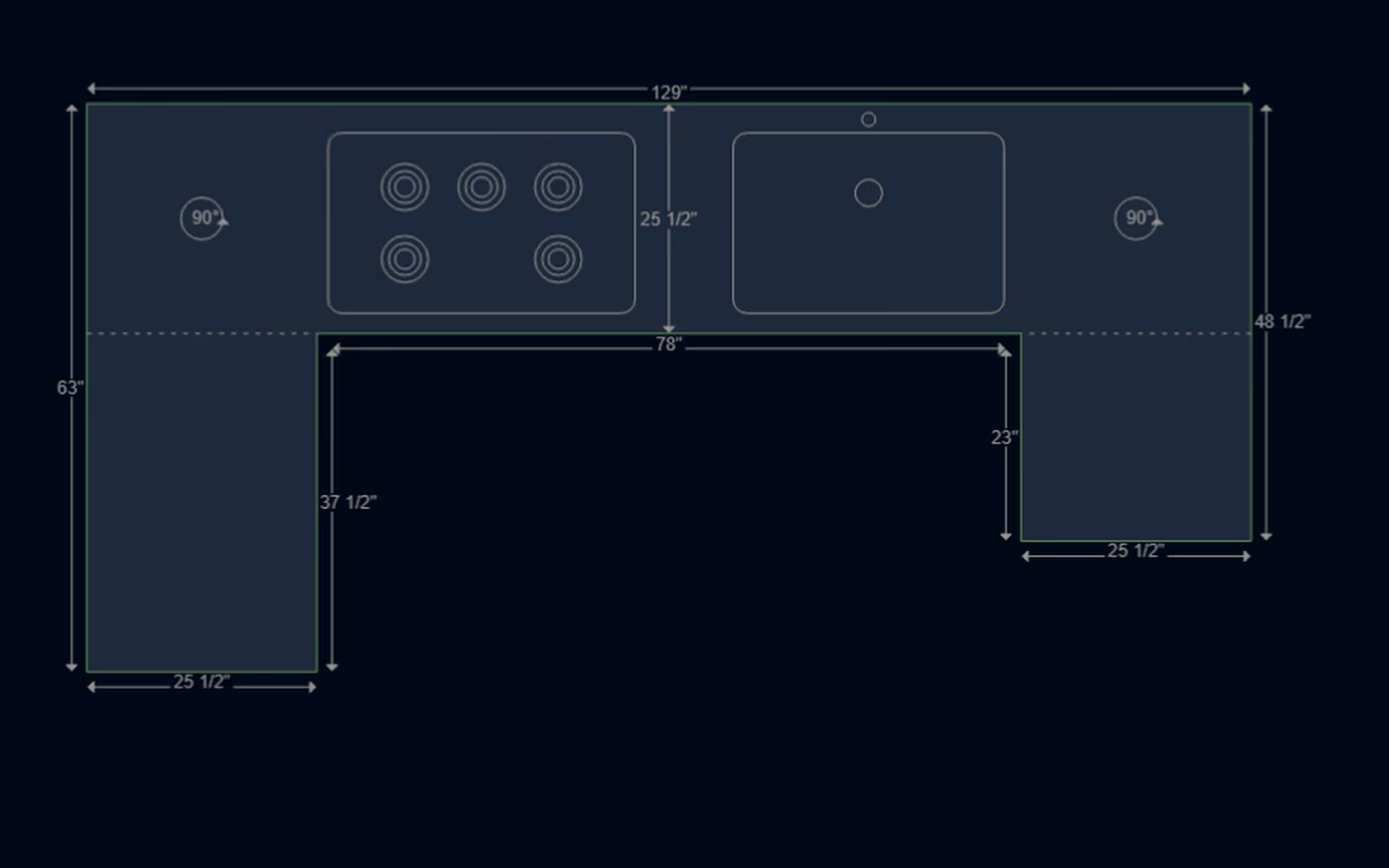
One drawing, one job
The drawing records the countertop shape, measurements, cutouts, splashes, and edge selections that define the job.
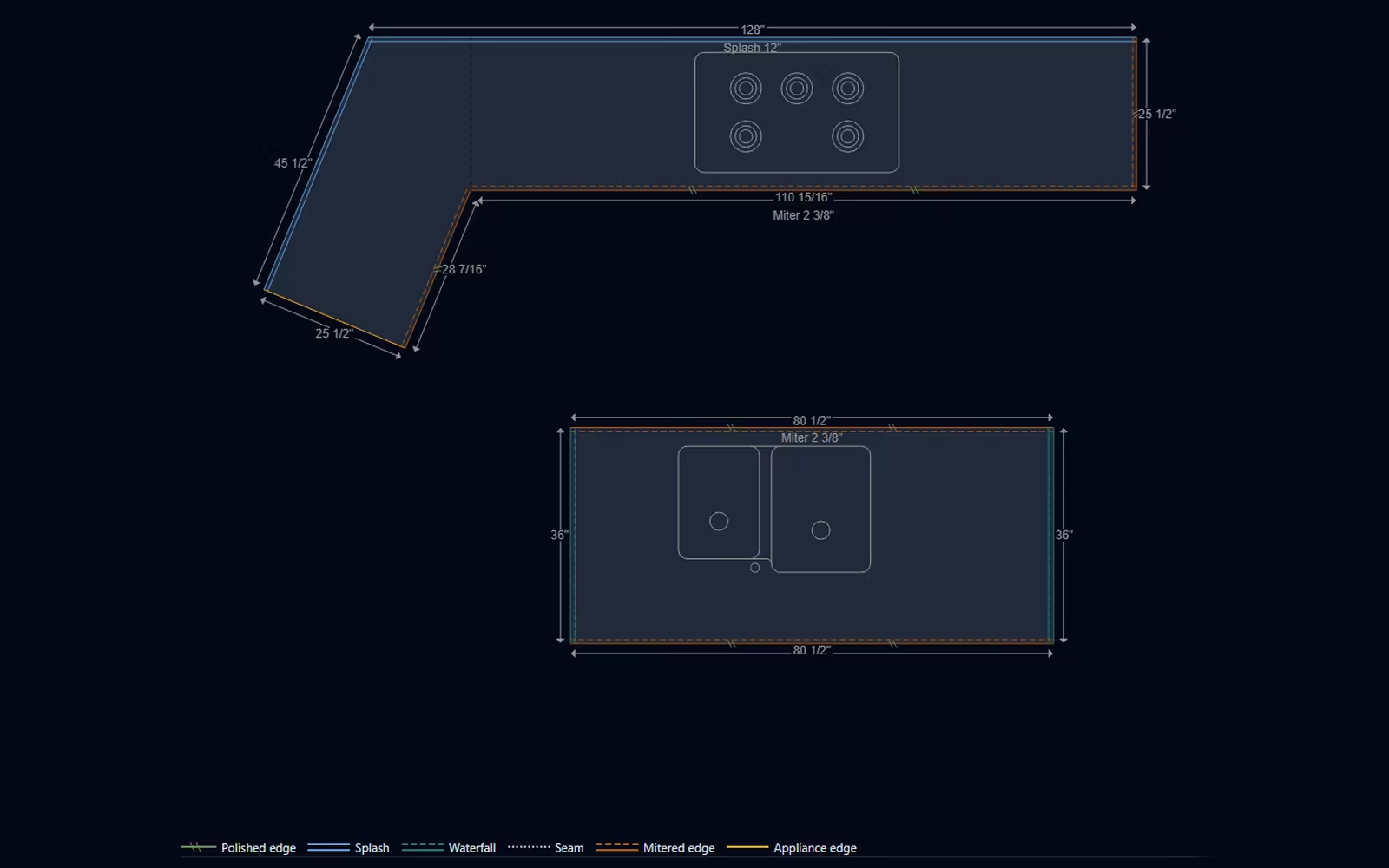
Build the job from measured shapes and keep the dimensions visible on the drawing.
Place sink and cooktop cutouts, then mark splashes and finished, appliance, or rough edges.
Use the drawing inside iCounterSoft’s quoting and pricing workflow instead of recreating the job in a separate tool.
On the drawing
Nothing on the drawing is decoration. Each element feeds the estimate.
Direct answers
Countertop drawing software turns job measurements into a visual layout with shapes, cutouts, edge details, and dimensions. In iCounterSoft, the drawing is part of the same workflow used to prepare the quote.
Yes. iCounterSoft drawings support sink and cooktop cutouts, along with countertop dimensions, splashes, and edge details.
Drawing and quoting tools are included in the Standard plan at US$70 per month for one included user. A 14-day free trial is available.